

The chat that
speaks construction
Stop losing hours to PDFs and paperwork. Get clear answers on standards, materials, and site questions in seconds.


%201.png)



Everyday work, made easier
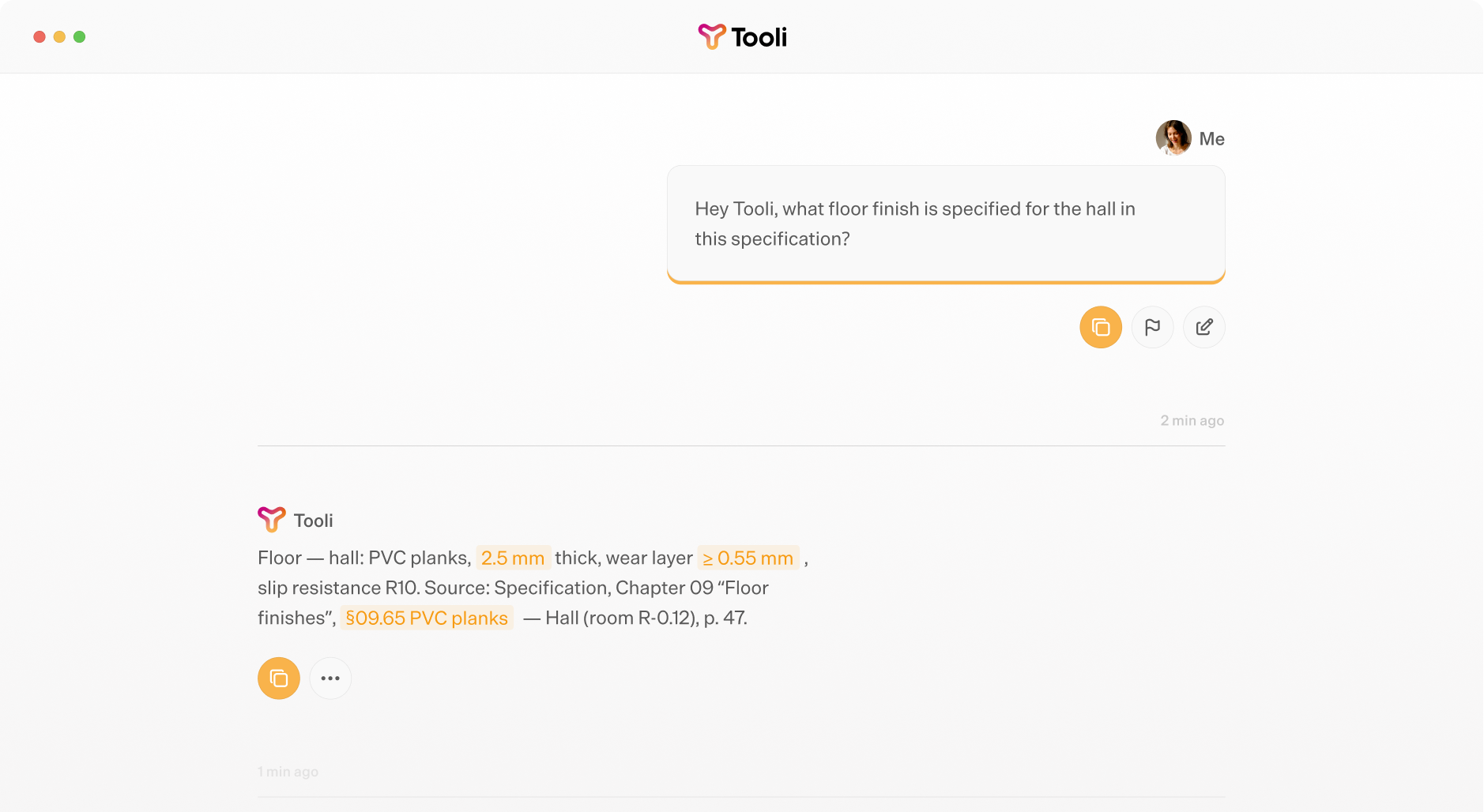
Tooli doesn’t replace people. It removes friction: the admin, the rewriting, the cross-checking, so builders can focus on building.
The General helper
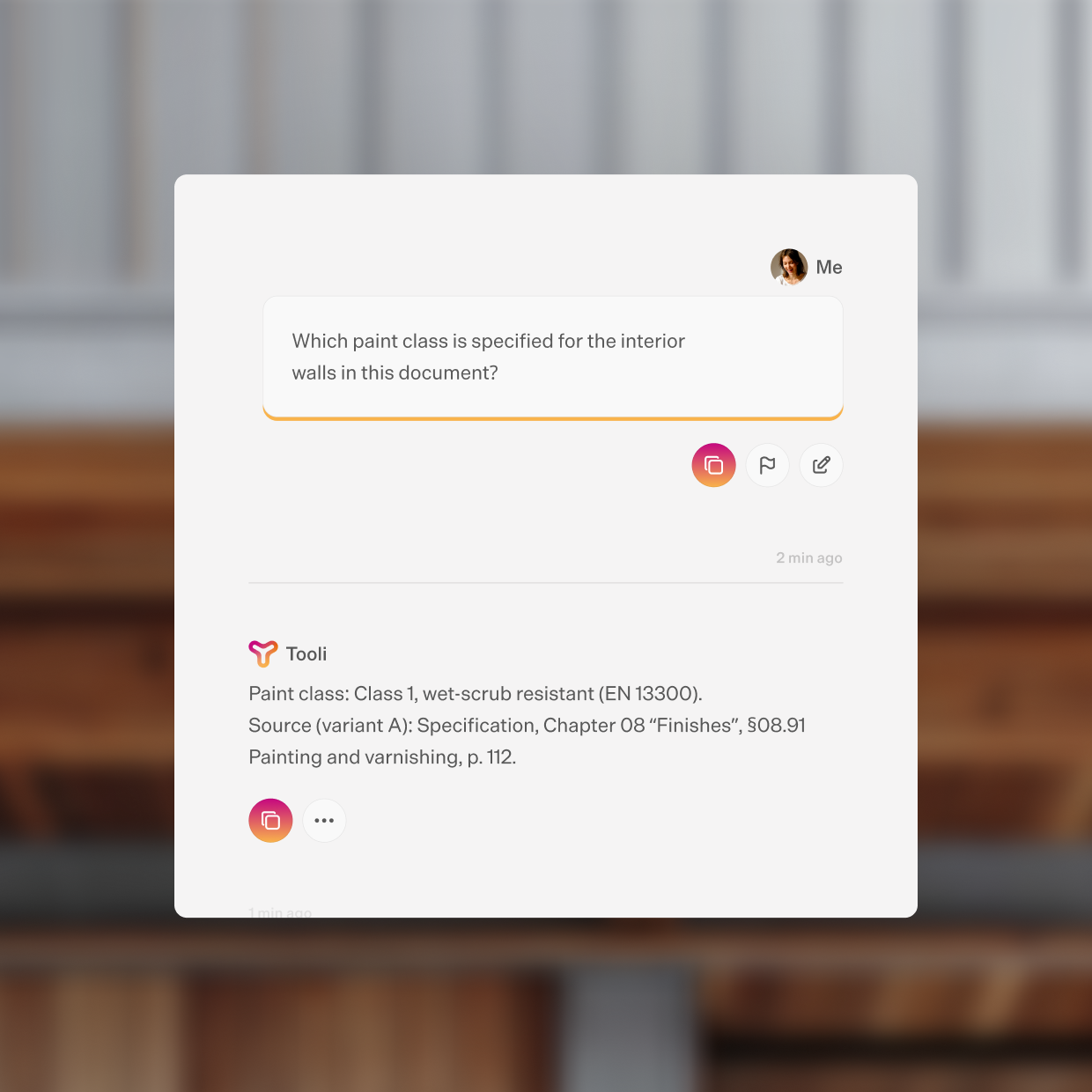
Get started and ask any questions you may have about construction or your trade here; the General helper will reply in a matter of seconds.
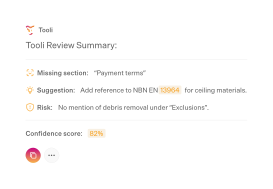
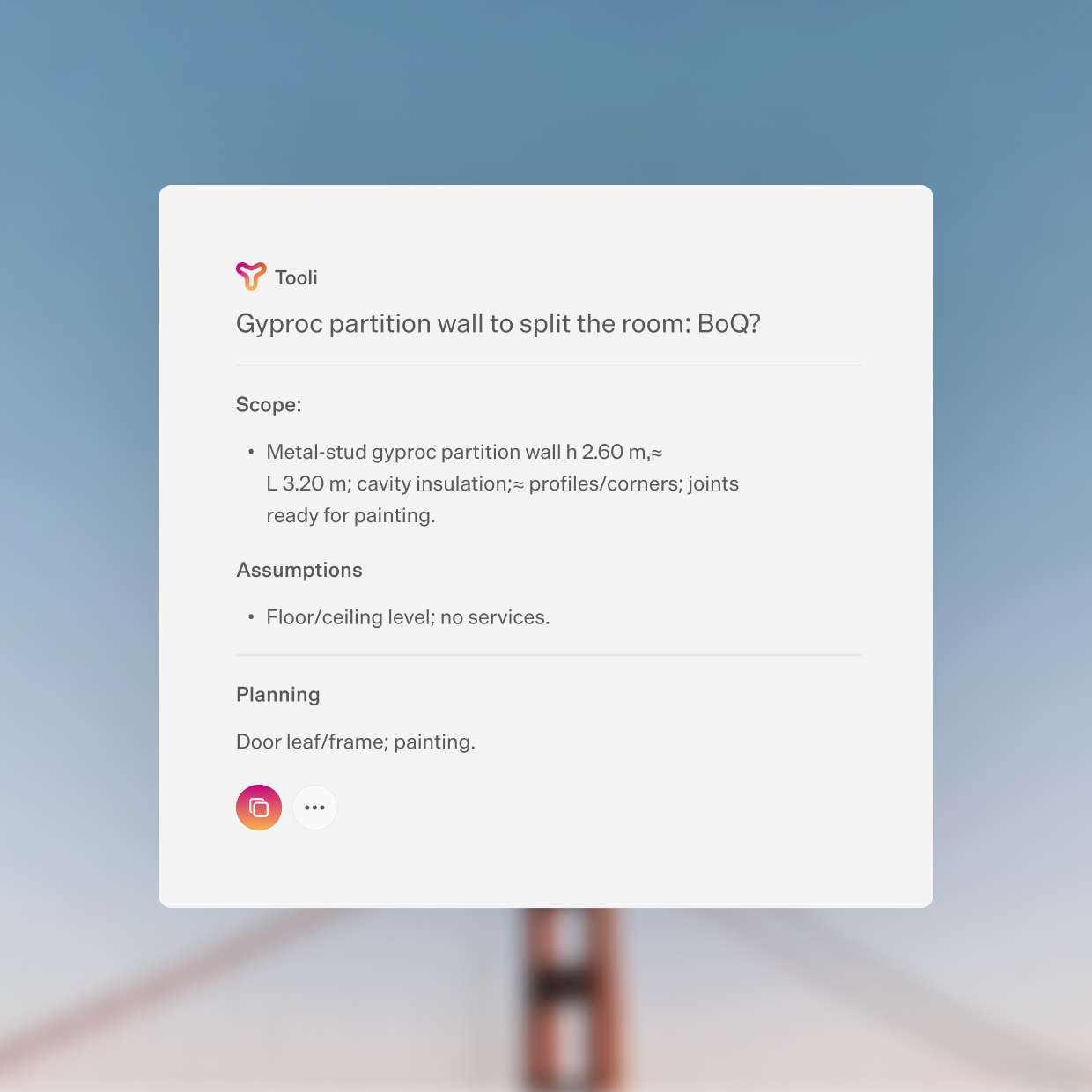
The BoQ checker.
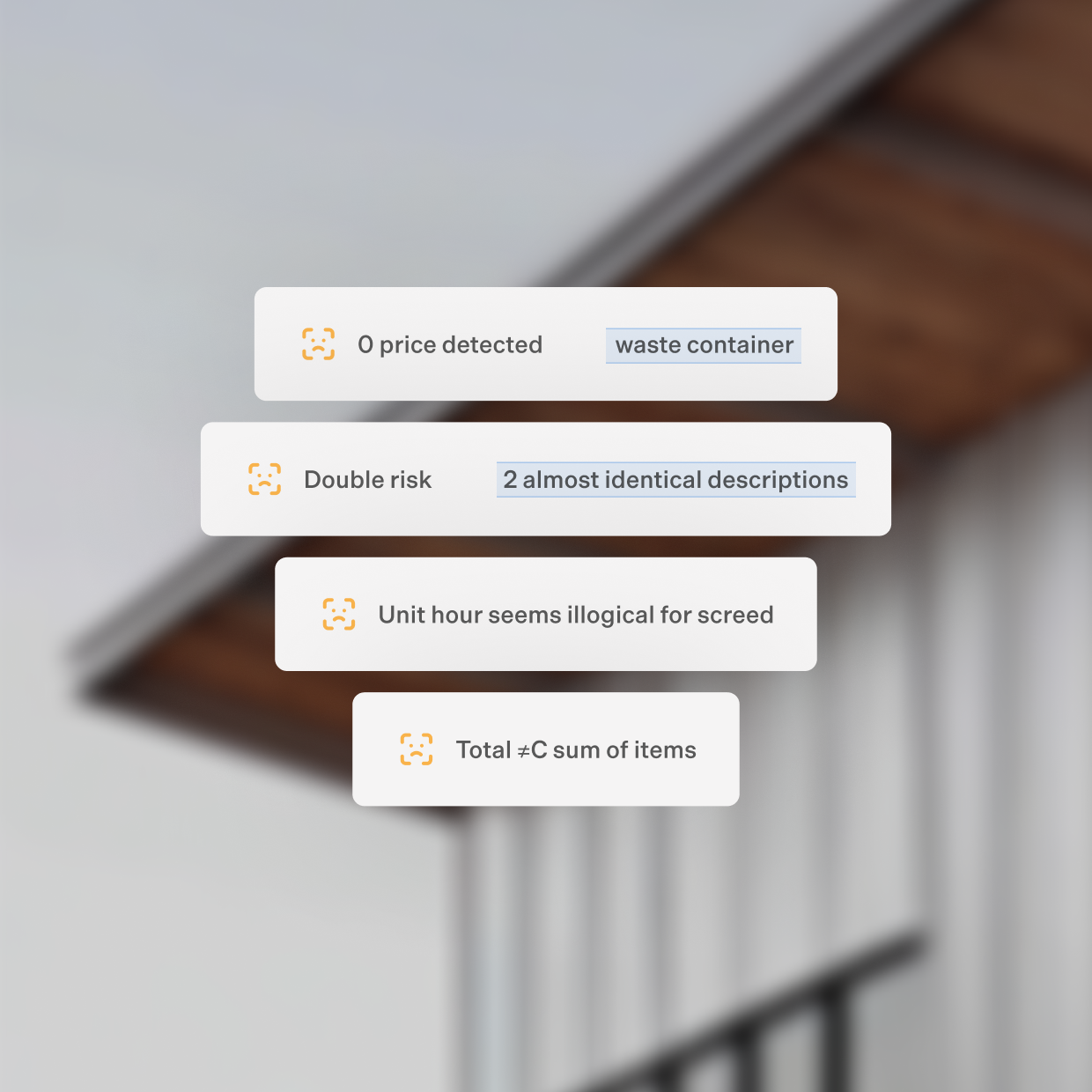
Do you spend a lot of time, or too much time, poring over tender documents (specifications, bills of quantities, ...)?
Import them securely into this tool; it analyses them and helps you identify high-risk items, inconsistencies, errors and duplicates.
Avoid unpleasant surprises!
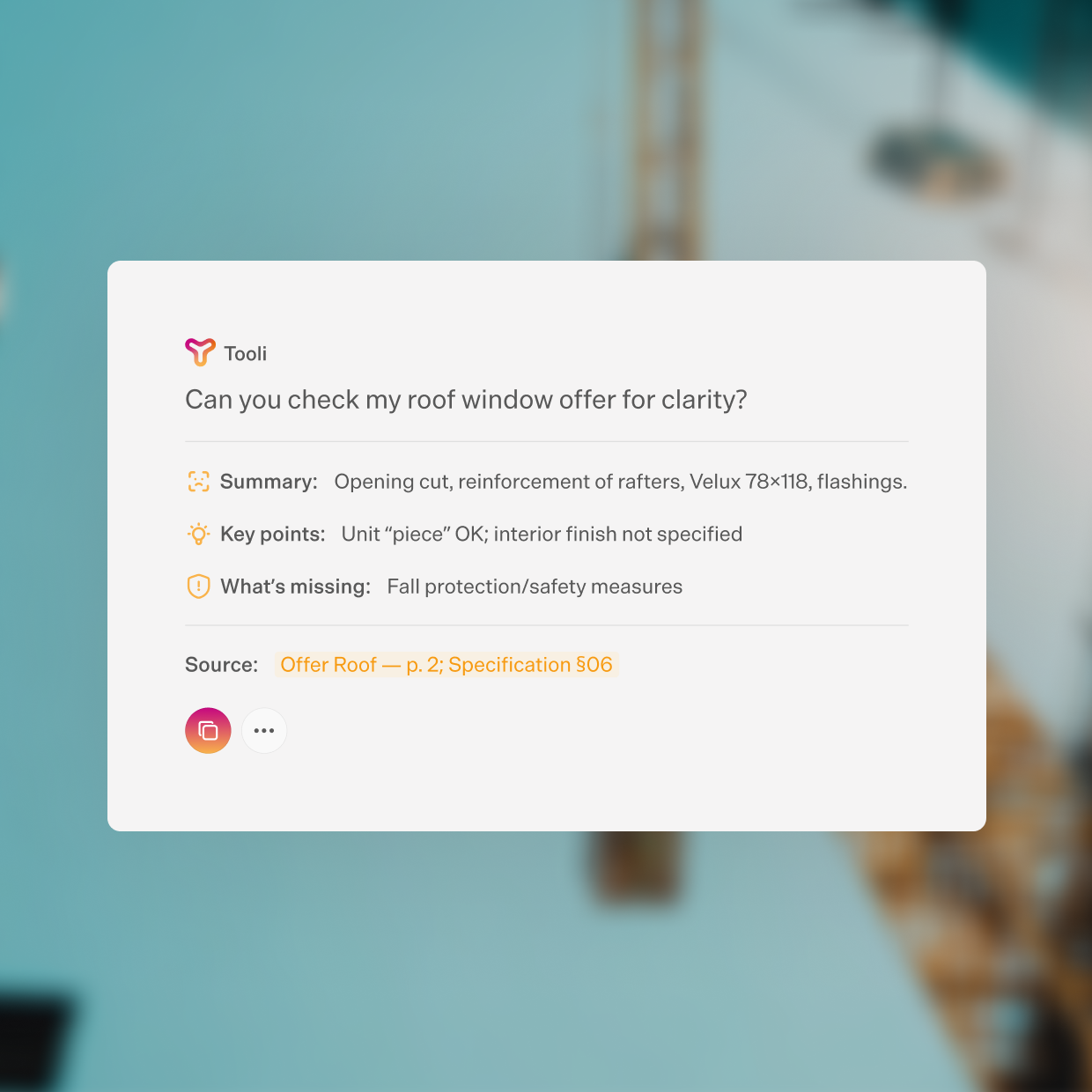
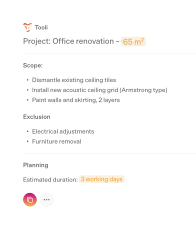
The Offer quality coach.
Upload your draft offer, and this agent checks its completeness and consistency: scope, units, materials, and key clauses.
It flags risks, points out gaps, and helps you strengthen your proposal before submission.
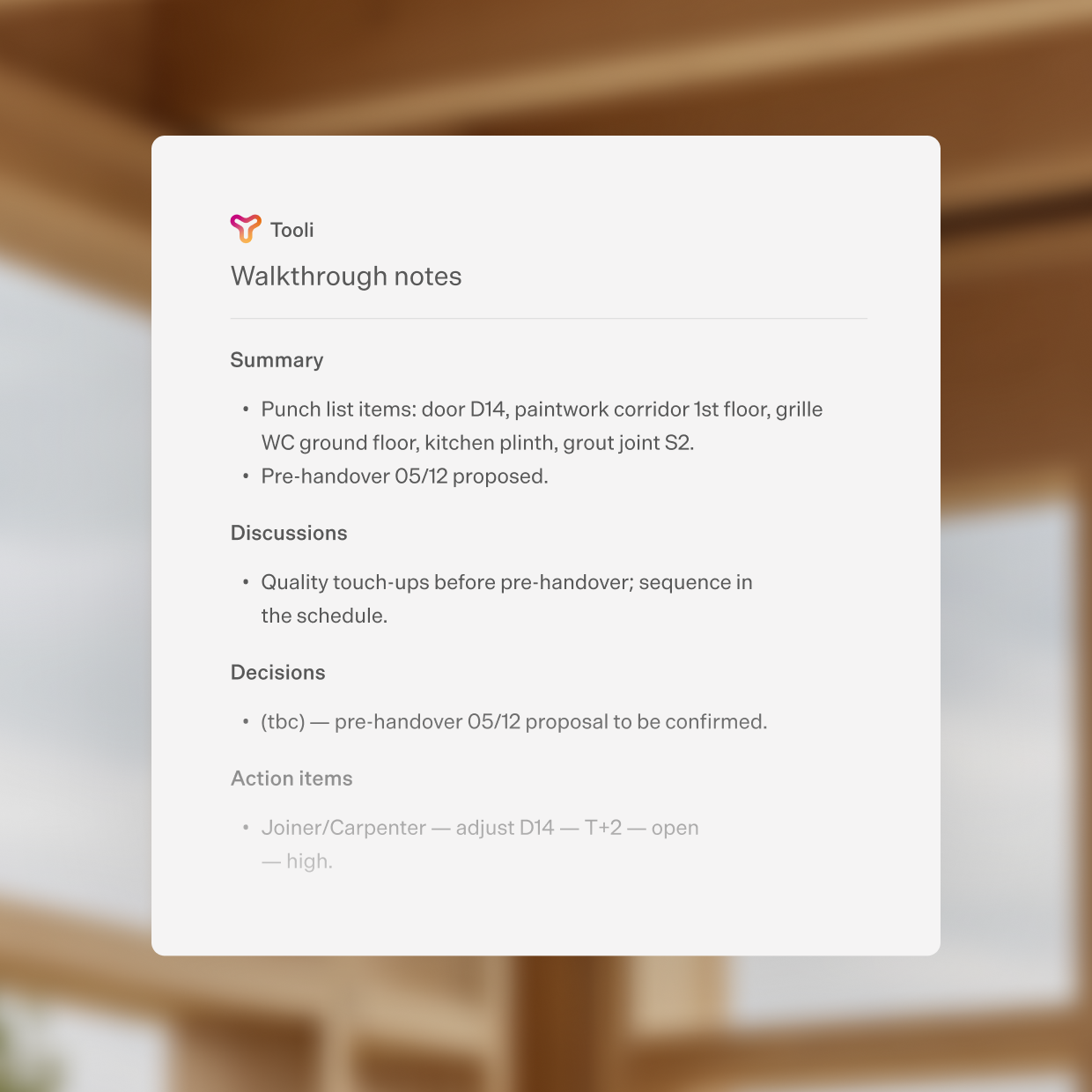
Meeting minutes writer.
With this Agent, you quickly turn rough notes or voice memos into a clear, structured meeting report—decisions, actions, and next steps at a glance.
Nexo
Reliable technical answers for Buildwise members (contractors and installers) and Buildwise subscribers (other construction professionals).
Nexo is your technical construction assistant. Using sources validated by Buildwise, it provides fast, reliable answers to help you find the information you need.
Perfect for making decisions before heading to the job site or for clearing up doubts at any time.
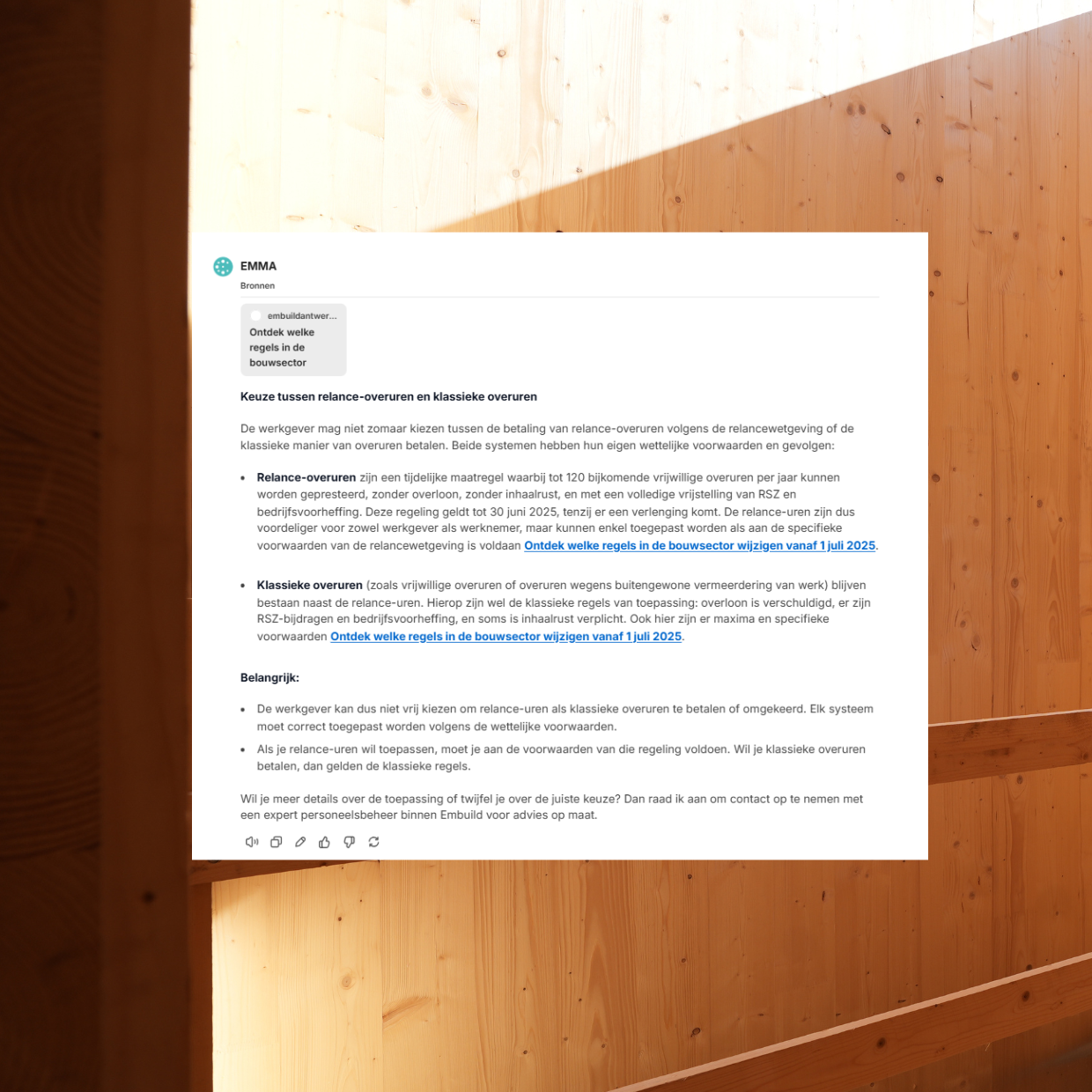
EMMA
Do you have doubts about a rule, an obligation, or the right document?
EMMA helps you quickly find relevant information within Embuild’s documentation, whether it concerns legal, social, fiscal, or administrative questions.
This way, you can easily verify the correct framework, find the right documents faster, and continue your work using ready-to-use templates.
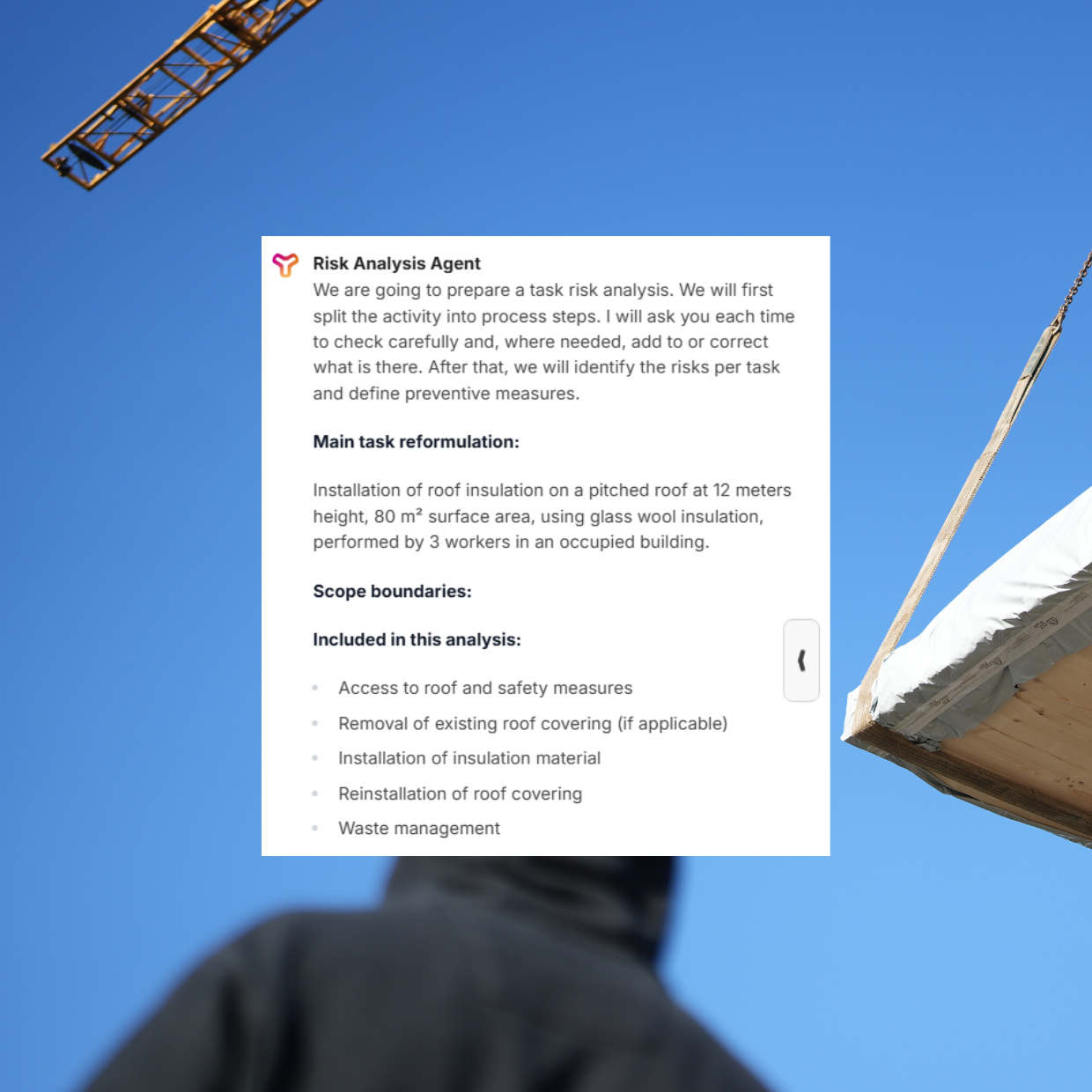
Risk Analysis Agent
Need to draw up a clear and compliant task risk assessment?
This tool guides you step by step through the process of creating a comprehensive task risk assessment for the construction sector.
It helps you identify risks, select preventive measures and structure your assessment in line with Belgian regulations on health and safety at work.
Practical, clear and ready to use on site.
Built for trust.
Generic AI tools weren’t made for your work.
But Tooli was.
“I used to read every tender document line by line. Now Tooli scans everything for me and highlights errors or risks immediately. It saves me hours of work — and a lot of headaches.”

“I let Tooli review my offer — it points out risks and missing items. My file is stronger, without needing extra late-night work.”

“I used to lose hours on bills of quantities. Now Tooli does it for me — I save time and deliver sharper offers.”

Belgium’s construction standards
Got questions?
So does everyone else.
What do I need to get started?
To start using Tooli, you must have:
- an active membership with at least one of these organizations: Embuild, Bouwunie, Constructiv, Buildwise,
- and an email address linked to one of these organizations.
I am a member, but I cannot create an account on Tooli
Make sure you are using the email address you registered with at least one of the four organizations: Buildwise, Embuild, Bouwunie and Constructiv.
If this email address does not work, try to log in with the organization’s registration system via the buttons on the log-in page.
Still no access? Contact support via support@meetwonka.com
I did not receive a verification email
Try these steps:
Check your spam email and/or junk folders
Wait for 5 minutes, it can take some time for the email to arrive
Request a new verification link
Still no verification email? Contact support@meetwonka.com
Is this the same as ChatGPT?
No. While Tooli uses similar underlying technology, it is specifically built for the Belgian construction sector.
The main differences are:
Industry knowledge: Tooli is shaped by organizations like Embuild, Bouwunie, Constructiv and Buildwise, meaning it can use specific sources for members in a way that ChatGPT cannot.
Data privacy: Unlike free versions of common AI tools, Tooli is hosted in Europe and does not use your data to train its models.
Specialized agents: It includes tools specifically designed by organization experts to use AI in the most efficient way for your construction needs.
Is my data safe?
Yes. Security is a top priority for Tooli and its partner organizations. All data is stored on secure servers within Europe. We follow strict European data protection regulations, such as the GDPR. Your files and conversations are never used to train the general AI models. Your business data stays yours.